

Internet Safety Practices for Seniors: Empowering Confident Online Navigation
Internet safety practices for seniors refer to the strategies, tools, and knowledge that older adults employ to use the internet securely and with confidence. As technology becomes increasingly integral to daily life, seniors represent a growing segment of internet users. According to the Pew Research Center (2021), 75% of adults aged 65 and older use the internet, yet this demographic remains particularly vulnerable to online scams, misinformation, and privacy risks. Navigating the web safely is essential for seniors to fully benefit from online resources, including health information, social connections, financial services, and entertainment. This article explores key internet safety practices tailored for seniors, covering secure browsing, recognizing cyber threats, privacy preservation, and digital literacy. By understanding these elements, seniors can confidently engage with the digital world while minimizing risks.
Definition and Characteristics of Internet Safety Practices for Seniors
Internet safety practices for seniors encompass all approaches that older adults use to protect themselves from cyber threats while using the internet. Dr. Jane Chen, a cybersecurity expert at the University of California, defines internet safety as “the set of behaviors and technical measures adopted to ensure privacy, data integrity, and resilience against online fraud.” For seniors, this includes understanding how to identify phishing emails, use strong passwords, manage privacy settings, and avoid unsafe websites.
Key characteristics of safe internet use among seniors include cautious interaction with unknown links, frequent software updates, and use of antivirus software. Studies indicate that seniors are less likely than younger users to use password managers or two-factor authentication, highlighting areas for improvement (AARP, 2022). Hyponyms of internet safety practices for seniors include digital literacy education, cybersecurity awareness, and privacy management.
Building from a foundational understanding of internet safety, the next section identifies specific risks that seniors face online and how tailored practices address those vulnerabilities.
Recognizing and Avoiding Cyber Threats for Seniors
Phishing and Scam Awareness
Phishing refers to fraudulent attempts to obtain sensitive information by disguising as trustworthy entities through email, phone calls, or websites. Seniors are disproportionately targeted by phishing scams; the FBI’s Internet Crime Complaint Center (2023) reported that adults over 60 accounted for 36% of reported financial losses from such scams. Educating seniors on characteristics of phishing messages—such as urgent language, suspicious links, and unsolicited attachments—is crucial for prevention.
Malware and Ransomware Protection
Malware includes viruses, spyware, and ransomware that can damage devices or steal personal data. Seniors can protect themselves by keeping their operating systems and applications updated, using reputable antivirus software, and avoiding clicking on unknown downloads. According to Norton LifeLock’s 2022 Cyber Safety Insights Report, 38% of older adults reported malware attacks, underscoring the need for proactive defense strategies.
Safe Browsing Habits
Safe browsing involves accessing secure websites, often indicated by “https” and a padlock icon, and avoiding suspicious sites. Seniors are encouraged to use web browsers with built-in security features and to refrain from entering personal information on unsecured platforms. Digital literacy programs often teach these habits to enhance senior users’ confidence and protection online.
After understanding cyber threats, the next focus is on preserving privacy and managing personal information safely, a fundamental aspect of internet safety for seniors.
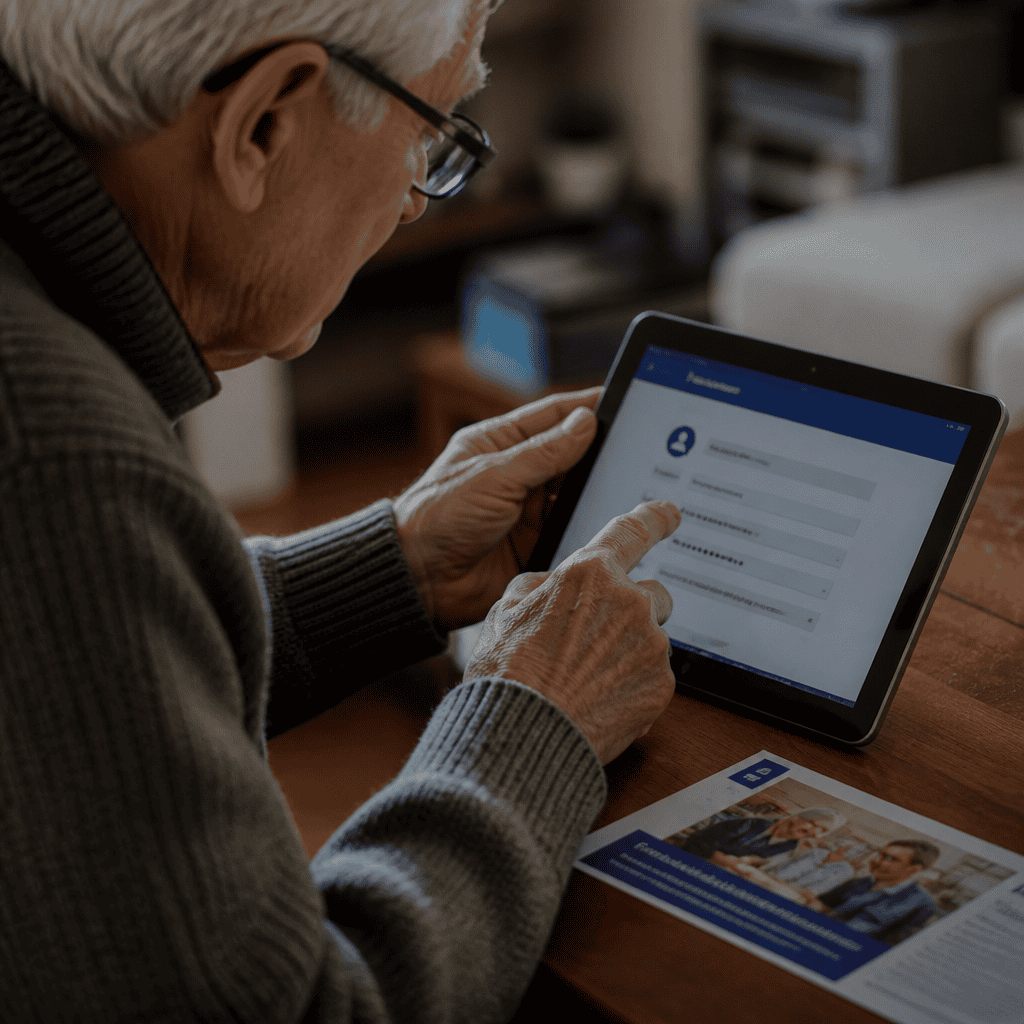
Privacy Preservation Techniques and Tools for Senior Internet Users
Password Management and Authentication
Strong, unique passwords are the frontline defense in protecting online accounts. Seniors often struggle with remembering complex passwords; password managers help by securely storing credentials and generating strong passwords. Two-factor authentication (2FA) adds an additional verification layer, significantly reducing unauthorized access. According to Google’s 2023 Security Report, enabling 2FA blocks 99.9% of automated account attacks.
Social Media and Data Sharing Controls
Many seniors use social media to maintain social bonds, but over-sharing personal information can compromise privacy. Adjusting privacy settings to limit profile visibility, refraining from posting sensitive details, and understanding data permissions are key strategies. The AARP 2023 Social Media Use Survey found that 60% of seniors expressed concern over data misuse, highlighting the importance of privacy education.
Utilizing Security Software and Privacy Tools
Applications such as VPNs (Virtual Private Networks) help seniors browse anonymously, reducing the risk of data interception on public Wi-Fi. Privacy-focused browsers and ad blockers also contribute by limiting tracking and intrusive advertisements. Tech support communities and senior centers increasingly recommend these tools for enhancing online safety.
Digital Literacy and Support Systems for Confident Senior Internet Use
Educational Programs and Workshops
Digital literacy refers to the ability to use technology effectively, including understanding internet safety. Many organizations, such as the National Council on Aging, offer tailored workshops to equip seniors with essential skills. A 2022 report revealed that seniors participating in digital literacy programs increased their internet use by 40% and reported greater confidence online.
Family and Community Support
Support from family members and peer groups helps seniors troubleshoot issues and reinforces safe behaviors. Intergenerational teaching sessions and community tech help desks create inclusive environments where seniors can ask questions and practice skills without fear of embarrassment.
Technology Design and Accessibility
Devices and software with senior-friendly interfaces—featuring larger fonts, simplified navigation, and voice commands—encourage more confident use. Industry leaders like Apple and Samsung have incorporated accessibility features that cater to sensory and motor needs, making internet safety tools more approachable.
Conclusion: Integrating Internet Safety Practices to Empower Seniors
Internet safety practices for seniors are essential in enabling older adults to engage confidently and securely with the digital world. By understanding cyber threats, adopting privacy-preserving techniques, and enhancing digital literacy through education and support, seniors can significantly reduce risks associated with internet use. As the senior population online continues to grow, ongoing efforts to tailor safety measures and technology designs will create a more inclusive and secure internet environment. Seniors, caregivers, and policymakers are encouraged to prioritize these practices and resources to foster safe and empowering internet experiences.
For further reading, seniors may explore resources such as the AARP Fraud Watch Network, the National Cyber Security Alliance’s Stay Safe Online initiative, and local digital literacy workshops to deepen their understanding and skills in browsing the internet safely.