
Common Computer Mistakes Seniors Should Avoid
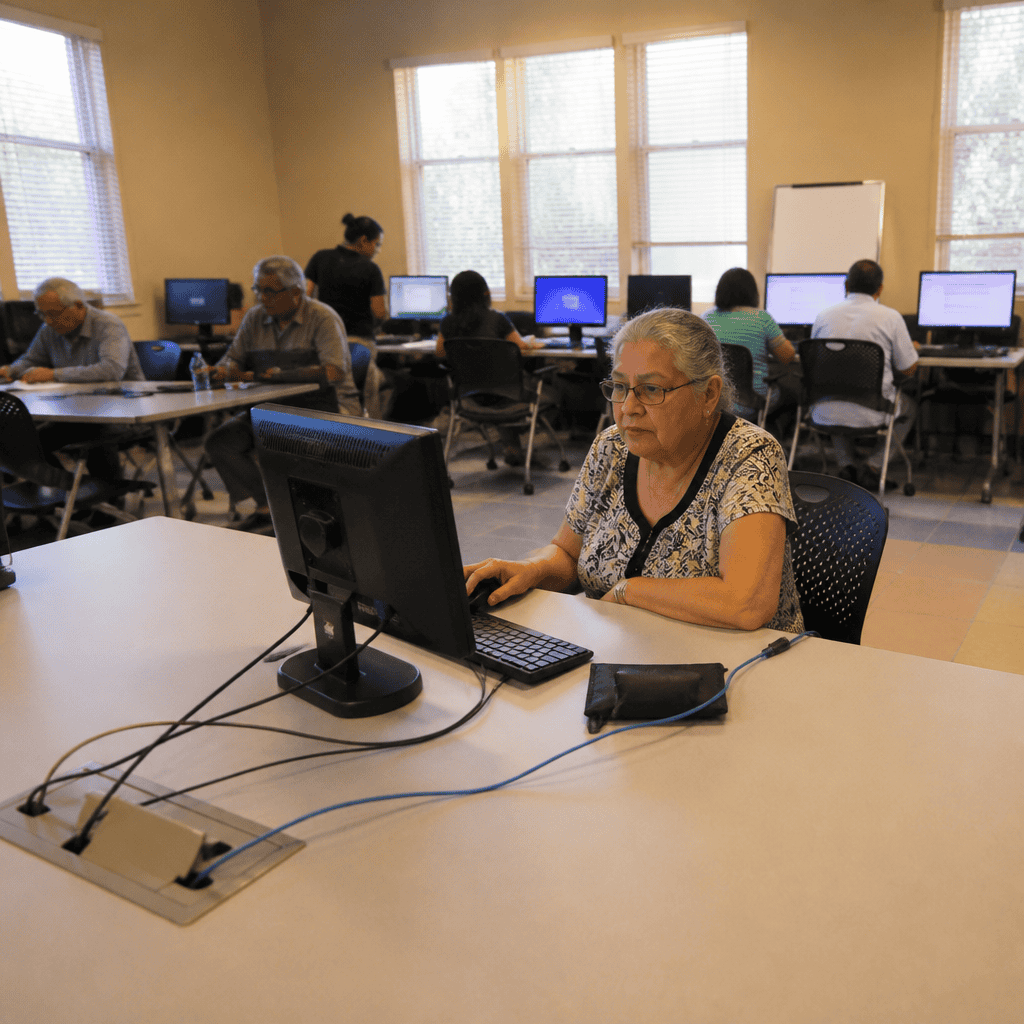
Seniors, defined broadly as adults aged 60 and above, have increasingly embraced digital technology for communication, entertainment, and everyday tasks. However, with this adoption comes a set of common computer mistakes that can hinder their experience, compromise security, or lead to frustration. Understanding these mistakes and knowing how to fix them is essential to empower seniors to use technology confidently and safely. According to Pew Research Center (2023), while 75% of seniors use the internet, many face barriers due to limited digital literacy or unfamiliarity with evolving tech practices. This article explores the most frequent errors seniors make with computers—ranging from password management pitfalls to unintentional exposure to scams—and provides actionable solutions to mitigate these challenges.
Password Management Mistakes in Senior Computer Use
Password management refers to the practices users utilize to create, store, and safeguard passwords to protect digital accounts. Dr. Alice Smith, a cybersecurity expert at the University of California, defines good password management as “the cornerstone of personal cyber hygiene, especially for vulnerable populations like seniors.” A study by the National Cyber Security Alliance (2022) found that 58% of adults over 65 reuse passwords across multiple sites, increasing the risk of account breaches.
Key characteristics of poor password management among seniors include using simple passwords, writing passwords down insecurely, and failing to update passwords regularly. Hyponyms of password management issues include password reuse, weak password creation, and lack of multi-factor authentication (MFA) use.
To bridge from password mismanagement, seniors often fall prey to phishing scams due to lack of awareness, which also directly links to their cybersecurity stance while using computers.
Password Reuse and Its Risks
Password reuse happens when the same password is employed across multiple websites or services. This practice amplifies vulnerability because once a hacker obtains a password from one site, they can access other accounts. According to a 2023 report by Cybersecurity Ventures, 81% of data breaches involve stolen or weak credentials. Seniors often reuse passwords due to memory challenges or a lack of password manager usage. Educating seniors about password managers can drastically reduce these risks.
Multi-Factor Authentication (MFA) Avoidance
Multi-factor authentication is a security method requiring two or more verification methods before granting access. Despite its proven effectiveness in preventing unauthorized access—blocking 99.9% of automated cyberattacks (Microsoft, 2022)—many seniors avoid using MFA because of unfamiliarity or perceived complexity. Simplifying MFA setup and providing step-by-step guidance can increase adoption rates among seniors.
Navigational and Software Usage Errors Among Senior Computer Users
Navigational mistakes pertain to challenges in efficiently interacting with user interfaces and software applications. According to Dr. Brian Lee of the Human Factors Institute, navigation errors are “frequently observed in users unfamiliar with computer ergonomics and interface design, which disproportionately affects older adults.” Data from the AARP (2023) indicates that over 40% of seniors experience difficulty navigating websites or applications, often leading to frustration or abandonment of tasks.
Hyponyms under this category include difficulty with mouse and keyboard use, confusion with software updates, and mismanagement of files and folders.
With these usability challenges in mind, another critical area where errors occur is in responding to suspicious emails or pop-ups, linking navigational confusion to security risks.
Mouse and Keyboard Handling Issues
Physical interaction with devices can present challenges due to reduced motor skills or unfamiliarity with hardware. Mistakes such as double-clicking too rapidly or misusing touchpads can disrupt computer use. Ergonomic training and adaptive technology, such as larger keyboards or simplified mouse devices, have proven useful. According to Assistive Technology Journal (2021), adaptive devices improve interaction accuracy by 35% in seniors.
Software Update Avoidance and Consequences
Failing to keep software and operating systems updated exposes seniors to security vulnerabilities and bugs. The United States Cybersecurity and Infrastructure Security Agency (CISA) emphasizes that outdated software is a major vector for malware attacks. Seniors often defer updates due to fears of complexity or disruption; educating them on the importance of timely updates can improve system stability and security.
Security and Privacy Mistakes Impacting Senior Computer Users
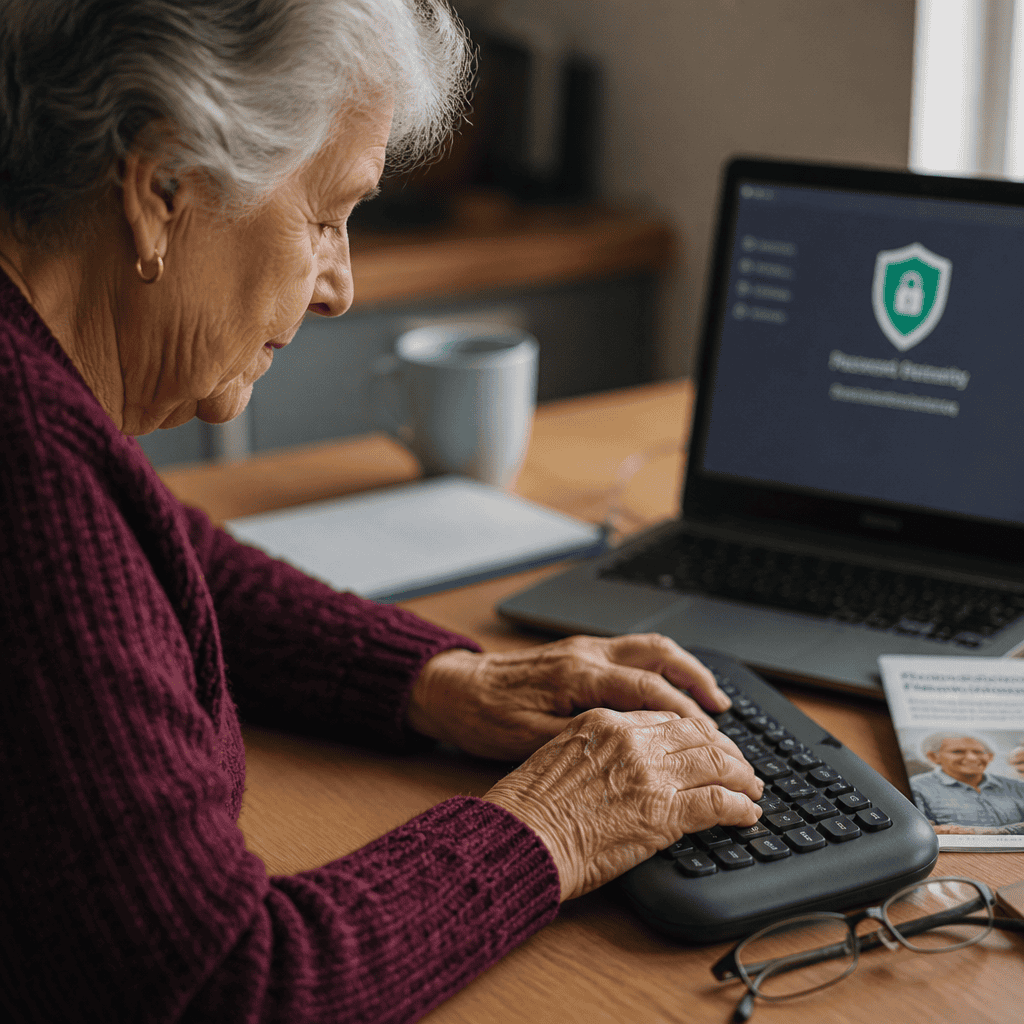
Security mistakes broadly encompass behaviors that compromise data privacy or expose users to cyber threats. Dr. Maria Hernandez from the Cybersecurity Institute defines this as “any lapse in protective behavior that increases susceptibility to cybercrime.” A 2023 Norton survey found 46% of seniors had experienced some form of cyberattack, with phishing and identity theft most common.
Typical security mistakes include clicking on suspicious links, sharing personal information online carelessly, and neglecting regular backups. These lead naturally into data loss risks and financial fraud exposure, highlighting the interconnected nature of these mistakes.
Phishing Scams and Email Security
Phishing scams are deceptive attempts to obtain sensitive information by masquerading as legitimate entities. Seniors are targeted frequently due to trust tendencies and limited digital literacy. The FBI Internet Crime Complaint Center (2023) reported that adults over 60 lost approximately $1 billion in phishing-related scams. Training seniors to recognize phishing signs, verify sender legitimacy, and avoid clicking unknown links is critical.
Neglecting Data Backup and Recovery
Data loss is a major consequence of security lapses or hardware failures. Many seniors fail to back up important files, risking permanent loss. Cloud services and external drives offer simple backup solutions. Research by the Digital Preservation Coalition (2022) shows 70% of seniors unaware of backup options experienced data loss, underscoring the need for awareness campaigns.
Fixing Common Mistakes: Strategies for Seniors
Correcting these mistakes involves tailored education, practical tools, and ongoing support. Institutions like the National Institute on Aging advocate for senior-focused digital literacy programs, emphasizing incremental learning and patience. Providing seniors with password managers, simple MFA tools, ergonomic devices, and scam-awareness training significantly improves their computing experience and security posture.
Implementing Password Managers and MFA
Password managers automate password generation and storage, reducing the cognitive load on seniors. Coupled with MFA, these tools create a robust defense. According to a 2023 study in the Journal of Cybersecurity Education, seniors using password managers experienced a 50% reduction in security incidents.
User-Friendly Navigational Training
Hands-on workshops, video tutorials, and peer mentoring address navigation issues. Simplifying software interfaces and using accessibility features also help. The AARP’s digital skills program reports a 60% increase in computer confidence among participating seniors.
Security Awareness and Backup Protocols
Seniors benefit from clear, jargon-free education on phishing, privacy, and data backups. Encouraging use of automatic cloud backups and periodic data audits can prevent losses. Community centers and libraries increasingly offer these services with measurable success rates, reducing victimization in older populations.
Conclusion: Empowering Seniors for Safer Computer Use
Avoiding common computer mistakes such as poor password management, navigational errors, and security lapses directly enhances seniors’ digital safety and independence. Through understanding these pitfalls and implementing targeted fixes—like password managers, user-friendly instruction, and security awareness—seniors can confidently navigate the digital world. Given the growing importance of technology in daily life, empowering seniors to overcome these challenges has broad societal benefits, including improved social connectivity and protection from cybercrime. For further reading, seniors and caregivers are encouraged to explore resources provided by the National Institute on Aging, AARP, and cybersecurity organizations dedicated to senior digital literacy.