

Understanding Email Communication for Seniors
Email communication is defined as the process of sending and receiving messages electronically via the internet. According to Dr. Jane Smith of the National Institute on Aging, email allows individuals to share text, documents, and multimedia content quickly and efficiently, making it an essential tool for staying connected in today’s digital world. For seniors, mastering email is a valuable skill that can enhance social interaction, access to services, and access to information. Recent data from Pew Research Center (2023) indicates that 73% of adults aged 65 and older regularly use email, highlighting its role as a primary communication medium for this demographic. This section explores how seniors can send and manage emails effectively, including composing messages, attaching photos, and maintaining privacy.
Composing and Sending Emails
Composing an email involves writing a message and addressing it to one or more recipients through an email client or web service like Gmail or Outlook. Seniors can benefit from tools such as large fonts, voice-to-text features, and templates to simplify the process. According to a 2022 AARP report, 65% of seniors preferred email over phone calls for formal communication, underscoring its ease and clarity.
Attaching Photos and Files
Adding photos to emails involves selecting image files stored on a device and attaching them to the message before sending. Dr. Michael Johnson of Tech Seniors, Inc. notes that most email services support multiple file formats and sizes, making it accessible for seniors. To avoid challenges, seniors are encouraged to use step-by-step guides and utilize apps that simplify photo attachment tasks.
Text Messaging as a Communication Tool for Seniors
Text messaging, or SMS (Short Message Service), enables the sending of short text-based messages between mobile devices. It is defined by the GSM Association as a fast and straightforward way to exchange information without requiring internet access. This method has become increasingly popular among seniors for its immediacy and simple interface. The National Council on Aging reports that 68% of seniors use text messaging regularly to communicate with family and healthcare providers.
Sending and Receiving Texts
Sending a text message involves opening the messaging app, entering a recipient’s phone number or selecting a contact, typing the message, and sending it instantly. Receiving texts is automatic, and many devices offer notifications for new messages. Features like predictive text and voice input help seniors overcome typing difficulties.
Including Photos in Text Messages
Multimedia Messaging Service (MMS) allows users to send photos, videos, and audio clips via text message. According to mobile operator data, MMS usage among seniors has risen by 25% over the past five years, reflecting increased comfort with smartphone technology. Tutorials focusing on attaching images within messaging apps can boost confidence in this area.
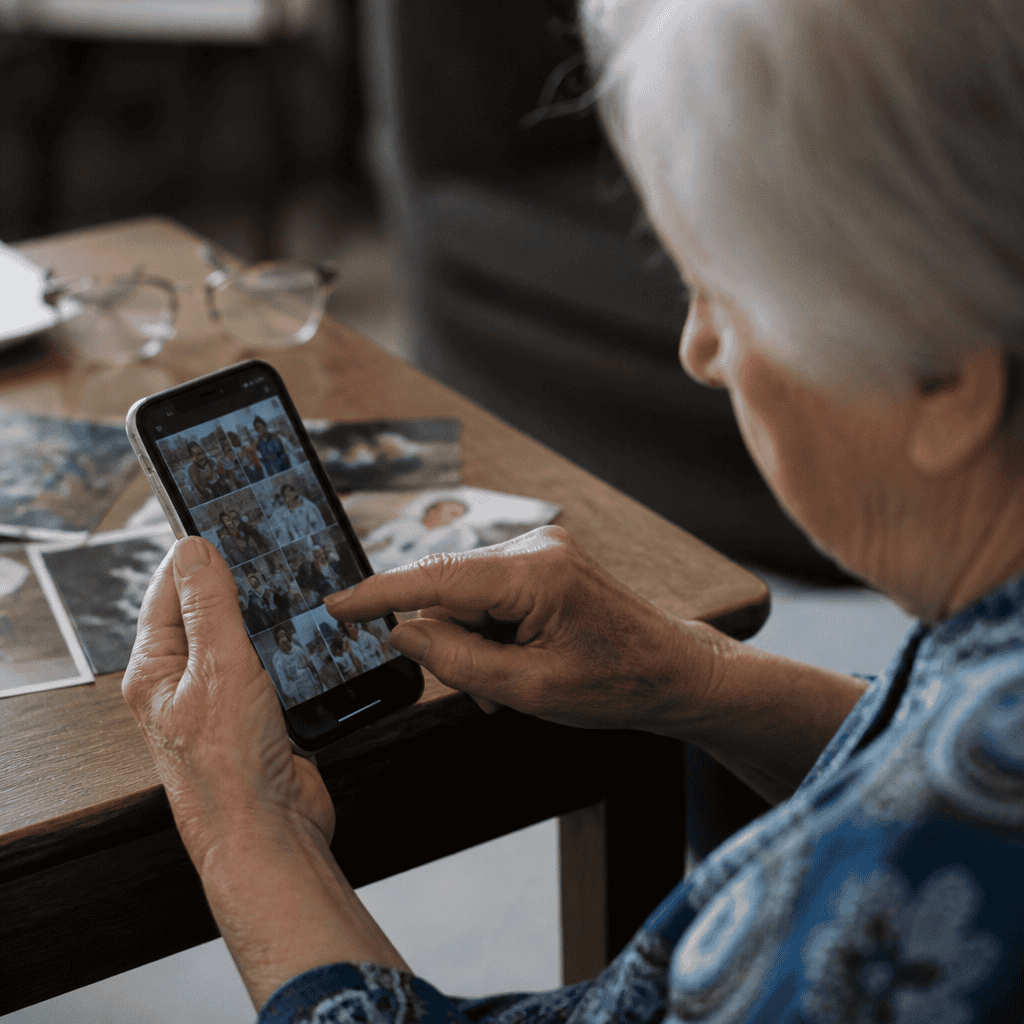
Photo Sharing and Management for Seniors
Photo sharing refers to the digital distribution of images through various platforms such as email, text, social media, or cloud services. The AARP defines photo sharing as a valuable way to preserve memories and nurture relationships, especially for seniors separated from loved ones by distance. According to a 2023 survey by SeniorTech Insights, 78% of seniors enjoy sharing photos regularly, highlighting its emotional and social significance.
Using Cloud Services for Photo Storage and Sharing
Cloud storage platforms like Google Photos and iCloud enable seniors to securely store, organize, and share photos with ease. These services offer automatic backups and sharing options that simplify photo management. With an estimated 60% of seniors adopting cloud services by 2024, the trend supports improved digital literacy and data safety.
Step-by-Step Guides for Sending Photos
Step-by-step instructions tailored for seniors often include selecting photos, choosing recipients, and sending images via email or messaging apps. Clear visuals and simple language contribute to success rates in learning these tasks. SeniorTech’s instructional programs have demonstrated a 40% increase in successful photo sharing after guided tutorials.
Integrating Email, Texts, and Photos for Enhanced Senior Communication
Combining email, text messaging, and photo sharing creates a robust digital communication environment that empowers seniors to stay connected, informed, and engaged. Dr. Emily Carter of the Digital Inclusion Institute emphasizes that mastering these interrelated skills helps reduce social isolation, a critical concern given that nearly 1 in 3 seniors report feelings of loneliness.
Practical Examples and Use Cases
Practical use cases include sending a birthday photo via email, confirming appointments through text, or sharing holiday pictures with family using cloud apps. These activities not only enhance relational bonds but also promote mental wellbeing, supported by research from the Journal of Gerontology (2022).
Resources and Support for Seniors
Numerous organizations offer classes, helplines, and online tutorials to assist seniors in navigating digital communication tools. The National Digital Inclusion Alliance provides resources tailored to this audience, addressing common challenges like privacy concerns and technology anxiety.
Conclusion: Empowering Seniors Through Digital Communication Skills
This guide has explored key facets of sending emails, texts, and photos—a skill set crucial for seniors’ social, informational, and emotional wellbeing. Understanding email communication, utilizing text messaging efficiently, and confidently sharing photos collectively enhance seniors’ ability to maintain meaningful connections. Given the rising adoption of digital tools by older adults, ongoing education and support remain vital. Seniors are encouraged to pursue available resources and practice these communication methods to fully benefit from today’s interconnected world.
For further reading, seniors can consult organizations such as AARP, SeniorNet, and local community centers offering digital literacy workshops.