
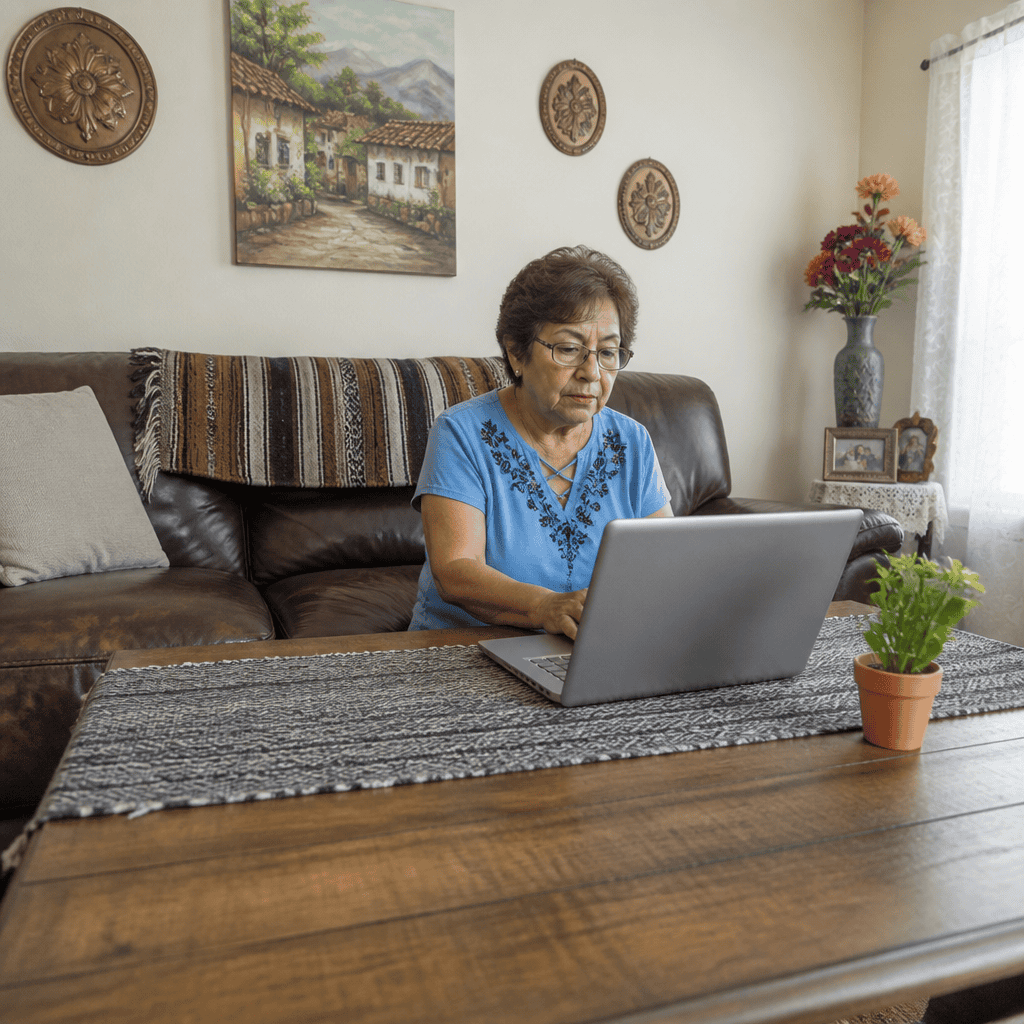
Passwords and Their Importance for Seniors
Passwords serve as the digital keys that protect personal information and sensitive data online. For seniors, understanding how to create and manage strong passwords is essential in guarding against unauthorized access and cybercrime. According to a 2023 Pew Research Center study, 58% of adults aged 65 and older express concern about their online privacy, yet many struggle with effective password practices. This section explores what passwords are, their critical role in digital security, and why seniors must prioritize safe password habits to maintain privacy online.
Definition and Characteristics of Passwords
Passwords are secret strings of characters used to verify a user’s identity and grant access to digital accounts. Dr. Sara B. Johnson, a cybersecurity expert at the National Institute on Aging, defines passwords as “a fundamental defense mechanism in digital identity management.” Key characteristics of effective passwords include length (preferably 12 characters or more), complexity (including uppercase, lowercase, numbers, and symbols), and unpredictability. Unfortunately, many seniors still rely on simple or reused passwords, increasing vulnerability to hacking attempts.
Types of Passwords and Related Security Measures
Hyponyms, or subcategories, related to passwords include:
- Passphrases: Longer sequences of words that create an easier-to-remember but secure password.
- Two-Factor Authentication (2FA): An added layer of security requiring a second form of verification beyond a password.
- Password Managers: Software tools that generate, store, and autofill complex passwords securely.
Transitioning into managing privacy effectively, these security tools empower seniors to maintain robust defense against cyber threats while simplifying password management.
Privacy Concerns and Protection Strategies for Seniors
Privacy for seniors refers to controlling the access, use, and disclosure of their personal data online. The Electronic Frontier Foundation (EFF) describes privacy as “the right to control one’s own digital footprint.” According to a 2022 AARP report, over 40% of seniors have experienced some form of privacy violation online, such as identity theft or email scams, underscoring the urgency of understanding privacy safeguards.
Key Privacy Risks Facing Seniors
Common privacy threats include phishing scams, data breaches, unwanted tracking via cookies, and oversharing on social media platforms. These risks compromise personal data and can lead to financial and emotional harm. Awareness and preventative actions, such as limiting data shared on social media and managing privacy settings, are critical for seniors.
Tools and Practices to Enhance Privacy
Seniors can improve privacy by adopting practices such as:
- Using Virtual Private Networks (VPNs): Encrypting internet traffic to protect identity and location.
- Regularly Updating Software: Installing security patches to close vulnerabilities.
- Reviewing App Permissions: Limiting unnecessary access to personal data.
The focus on privacy naturally complements safe browsing practices, which are essential to preventing harmful online experiences.

Safe Browsing Habits for Seniors
Safe browsing refers to the adoption of behaviors and tools designed to minimize online risks such as malware, scams, and privacy breaches. According to the National Cyber Security Alliance, individuals over 65 are increasingly targeted by cybercriminals, making safe browsing indispensable.
Recognizing and Avoiding Online Scams
Phishing emails and fraudulent websites are common ways attackers trick users into divulging information. Seniors should verify website security indicators (like HTTPS), avoid clicking suspicious links, and be skeptical of unsolicited requests for personal details. In 2023, the FBI reported that seniors lost over $1 billion to online scams, highlighting the need for vigilance.
Browser Settings and Security Tools
Safe browsing also involves configuring browser settings to block pop-ups, disable auto-fill for sensitive information, and clear cookies regularly. Installing reputable antivirus and anti-malware software adds an additional layer of security. Utilizing privacy-focused browsers or extensions can reduce tracking and increase control over data exposure.
Educational Resources and Support
Many organizations offer tailored digital literacy programs for seniors, including workshops on safe browsing and cybersecurity best practices. Engaging with these resources not only builds confidence but also equips seniors with up-to-date knowledge to safely navigate the internet.
Conclusion: Integrating Passwords, Privacy, and Safe Browsing for Senior Security
Mastering strong passwords, understanding privacy risks, and practicing safe browsing form the cornerstone of digital security for seniors. By implementing robust passwords and using tools like password managers and two-factor authentication, seniors can significantly reduce account vulnerabilities. Coupling this with heightened awareness of privacy threats and proactive protective measures ensures personal data remains safeguarded. Finally, adopting safe browsing habits prevents exposure to scams and malware that can compromise security and privacy.
Given the growing digital engagement among seniors, ongoing education and support are crucial. Seniors, caregivers, and community organizations are encouraged to explore further resources such as the AARP Fraud Watch Network and the National Cyber Security Alliance’s guides to stay informed and secure in a digital world.