
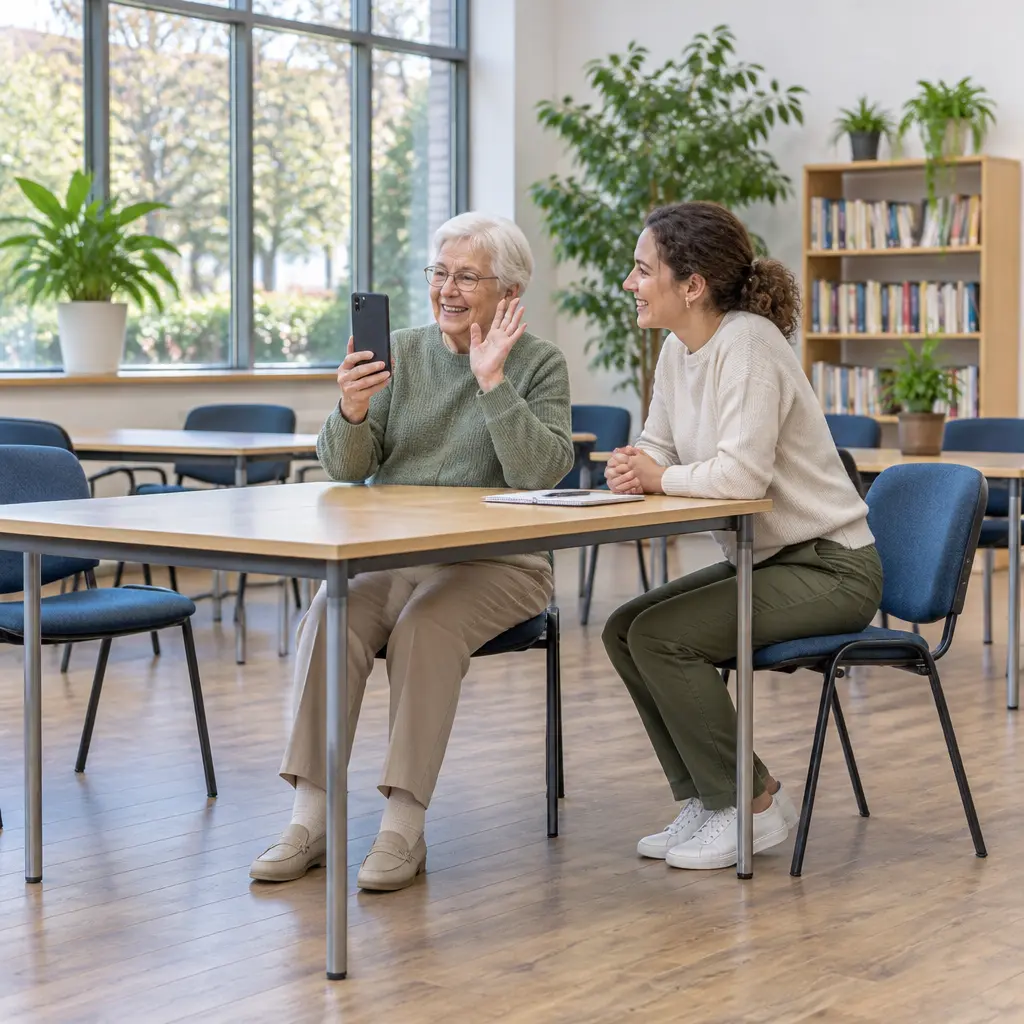
Learning technology at a comfortable pace means choosing digital tools, practice time, and support according to an older adult’s needs and preferences—not assuming that every senior learns in the same way. This approach can make technology more useful and less intimidating while supporting communication, access to services, and independence. The need is substantial: Pew Research Center reported in 2021 that 61% of U.S. adults aged 65 and older owned a smartphone, compared with just 13% in 2012. That growth creates opportunities, but access alone does not guarantee confidence or skill. Effective learning therefore combines accessible design, patient instruction, relevant goals, and opportunities to practice and receive help.
Learning Technology as a Senior: Adapting Pace to Individual Comfort Levels
Older adults are not a single group with uniform abilities or preferences. A comfortable learning pace is one that gives each learner enough time to understand, try, repeat, and ask questions without pressure. The sections below explain how individualized pacing works, which teaching methods can support it, how accessibility and confidence affect learning, and how families and organizations can put these principles into practice.
Individualized pacing supports senior technology learning
Individualized pacing is the adjustment of the speed, sequence, repetition, and complexity of instruction to suit a learner’s current skills, goals, and comfort. The National Institute on Aging’s guidance on aging and learning emphasizes that older adults can learn new skills, while noting that allowing additional time and reducing distractions can help. In practice, this means teaching one useful task at a time, checking understanding, and moving forward when the learner is ready—not simply when a lesson plan says it is time.
The approach matters because technology can enable everyday activities, from video calls and online appointments to banking and public-service access. At the same time, unfamiliar screens, small controls, privacy concerns, and fear of making mistakes can create barriers. A 2021 Pew Research Center report found that smartphone ownership among U.S. adults aged 65 and older had risen from 13% in 2012 to 61% in 2021. The statistic demonstrates growing access, but it does not measure whether users feel confident completing specific tasks or know how to stay safe online.
Learning pace and readiness
Learning pace refers to how quickly a person is introduced to information and expected to apply it. Readiness is the learner’s willingness and ability to take the next step, which may depend on prior experience, interest, health, device familiarity, or the perceived relevance of the task. Instructors can assess readiness by asking what the person wants to do, inviting them to demonstrate what they already know, and agreeing on a manageable goal.
A practical lesson might focus first on answering a video call, then later cover adding a contact or adjusting sound. This task-based sequence reduces cognitive load: the mental effort required to process new information. It also creates early successes that can motivate continued practice. AARP’s Older Adults Technology Services (OATS) program uses free technology courses and learning resources designed for older adults, reflecting the value of relevant, accessible instruction rather than assuming a single starting point.
Repetition, practice, and recall
Repetition means revisiting a skill; practice means performing it, ideally in the setting where it will be used. Together, they help learners move from watching a demonstration to completing a task independently. A useful instructor can demonstrate a step, invite the learner to try it, and then offer a short written reminder or annotated screenshot for later reference.
The U.S. National Institute of Standards and Technology’s usability guidance emphasizes evaluating technology with its intended users and within relevant tasks. Applied to instruction, this principle supports practicing on the learner’s own device and using realistic activities. A person who can successfully send a message during a lesson may still benefit from trying again later, because remembering steps outside the classroom is part of learning—not evidence of failure.
Accessible instruction adapts technology to individual comfort
Pacing works best when the learning environment and device are also accessible. Accessibility means designing and presenting information so that people with different sensory, physical, and cognitive needs can use it. The World Health Organization’s 2022 report on healthy ageing describes functional ability as shaped by the interaction between a person’s capacities and their environment. For technology learning, that means a confusing interface or noisy classroom can create difficulty that should not be mistaken for a lack of ability.
Sensory and physical accessibility
Sensory and physical accessibility includes making text readable, audio understandable, and device controls manageable. Instructors can increase text size, improve screen contrast, use captions, reduce background noise, and demonstrate voice commands or alternative input methods where available. They should also allow breaks and ensure the learner can position the device comfortably.
The U.S. Census Bureau’s 2022 American Community Survey reported that about 28% of adults aged 65 and older had a disability. Disability is diverse, and the figure does not mean every older learner needs the same accommodation. It does underline why instructors should ask about preferences rather than assume that a standard screen, font, or teaching setup works for everyone.
Cognitive load and plain-language teaching
Cognitive load is the amount of mental effort involved in understanding and using information. Plain-language teaching lowers unnecessary effort by using familiar words, short instructions, and a clear sequence. Instead of explaining several settings at once, an instructor can say, “Tap the blue phone icon to answer,” then pause while the learner tries it.
The National Institute on Aging recommends clear communication and minimizing distractions when discussing health information with older adults. These practices also apply to technology instruction: avoid jargon, present one idea at a time, and check understanding with an open question such as, “What would you tap next?” rather than asking only, “Do you understand?” This makes it easier to identify which step needs another explanation.
Confidence and safety shape technology learning for seniors
Comfort is not only a question of speed; it also includes whether learners feel safe experimenting. Some people hesitate because they worry about deleting information, exposing personal details, or falling for a scam. Patient instruction should treat these concerns as legitimate and teach safe habits alongside practical skills.
Psychological safety and learner choice
Psychological safety is the sense that a person can ask questions, make mistakes, and request help without embarrassment or criticism. In technology lessons, it can be encouraged by explicitly saying that mistakes are reversible when appropriate, avoiding rushed demonstrations, and letting the learner control the device. Instructors should ask permission before taking the device or changing settings.
Choice also increases relevance. A learner who wants to see family photographs may be more motivated by learning a photo-sharing app than by studying features they do not expect to use. OATS at AARP offers technology learning resources organized around practical digital skills, illustrating how learning can connect to real-life goals. Progress should be measured by the learner’s ability to complete a chosen task, not by how quickly they finish a course.
Digital safety as part of the lesson
Digital safety is the set of habits that helps protect accounts, devices, and personal information. Lessons can introduce one or two habits at a time: use a strong, unique password where possible; turn on multifactor authentication when available; avoid sharing verification codes; and independently verify unexpected requests for money or sensitive information.
The Federal Trade Commission’s Consumer Sentinel Network received more than 101,000 reports of older adults losing money to fraud in 2023, with reported losses totaling about $3.4 billion. Reported losses are not a measure of every older adult’s risk, and many incidents are not reported, but the data show why safety instruction belongs within digital learning. A calm, non-blaming approach helps learners ask for advice before responding to suspicious messages.
Practical ways to adapt senior technology lessons
Families, libraries, community organizations, and instructors can turn individualized pacing into a repeatable teaching routine. The key is to agree on a meaningful goal, tailor the lesson, and revisit progress without treating slower learning as a problem.
Use a goal-based lesson plan
A goal-based lesson starts with a specific activity the learner wants to complete. For example, “make a video call to my sister” is more actionable than “learn the smartphone.” Break the activity into a few steps, let the learner perform each one, and finish with a brief repeat of the complete task.
- Ask what the learner would like to do and what they already know.
- Choose one task and confirm the device, account, and accessibility settings are ready.
- Demonstrate one step at a time, then let the learner try it.
- Pause for questions and repeat any step that feels uncertain.
- Make a simple reference guide and agree on a time to practice again.
Offer flexible formats and ongoing support
Flexible support may include one-to-one coaching, small-group classes, printed instructions, telephone help, or short video demonstrations. Libraries and community centers can provide a low-pressure place to practice, while family members can reinforce skills between sessions. Consistency matters: a familiar instructor or support person can build trust and avoid the confusion that comes from conflicting directions.
A useful evaluation tracks practical outcomes: whether the learner can complete the chosen task, how much prompting is needed, and whether they feel comfortable repeating it later. It should also capture barriers—such as unreliable internet, inaccessible design, or forgotten passwords—that instruction alone cannot solve. This distinction helps organizations improve both teaching and access.
Conclusion: comfortable pacing makes digital learning more inclusive
Learning technology as a senior works best when instruction respects individual readiness, uses repetition and accessible explanations, and connects digital skills to goals the learner values. Smartphone ownership among older adults has increased substantially, but access is only one part of participation. Sensory and physical accessibility, confidence, privacy, and practical support all influence whether a person can use technology independently.
Families and educators can begin by asking what a learner wants to accomplish, teaching one task at a time, and allowing practice without pressure. Libraries and community organizations can strengthen that effort through accessible classes and ongoing help. Further reading from the National Institute on Aging, AARP Older Adults Technology Services, and the Federal Trade Commission can help learners and instructors build skills while staying informed about accessibility and online safety.
Sources: Pew Research Center, “Mobile Technology and Home Broadband 2021,” https://www.pewresearch.org/internet/2021/06/03/mobile-technology-and-home-broadband-2021/; National Institute on Aging, “Cognitive Health and Older Adults,” https://www.nia.nih.gov/health/brain-health/cognitive-health-and-older-adults; AARP, Older Adults Technology Services (OATS), https://www.aarp.org/aarp-foundation/our-work/income/empower-older-adults-through-technology/; National Institute of Standards and Technology, “Usability,” https://www.nist.gov/programs-projects/usability; U.S. Census Bureau, “Disability Characteristics: 2022 American Community Survey,” https://data.census.gov/table/ACSST1Y2022.S1810; World Health Organization, “World Report on Ageing and Health,” https://www.who.int/publications/i/item/9789241565042; Federal Trade Commission, “Protecting Older Consumers 2023–2024,” https://www.ftc.gov/reports/protecting-older-consumers-2023-2024.